electronicmusic.ukINDEPENDENT SOUNDS / OPEN POSSIBILITIES
The journal / Web audio / 10 studies

The browser is an instrument.

AudioWorklets, MIDI, recording and the details that make a browser instrument dependable. Small experiments you can understand and take on stage.

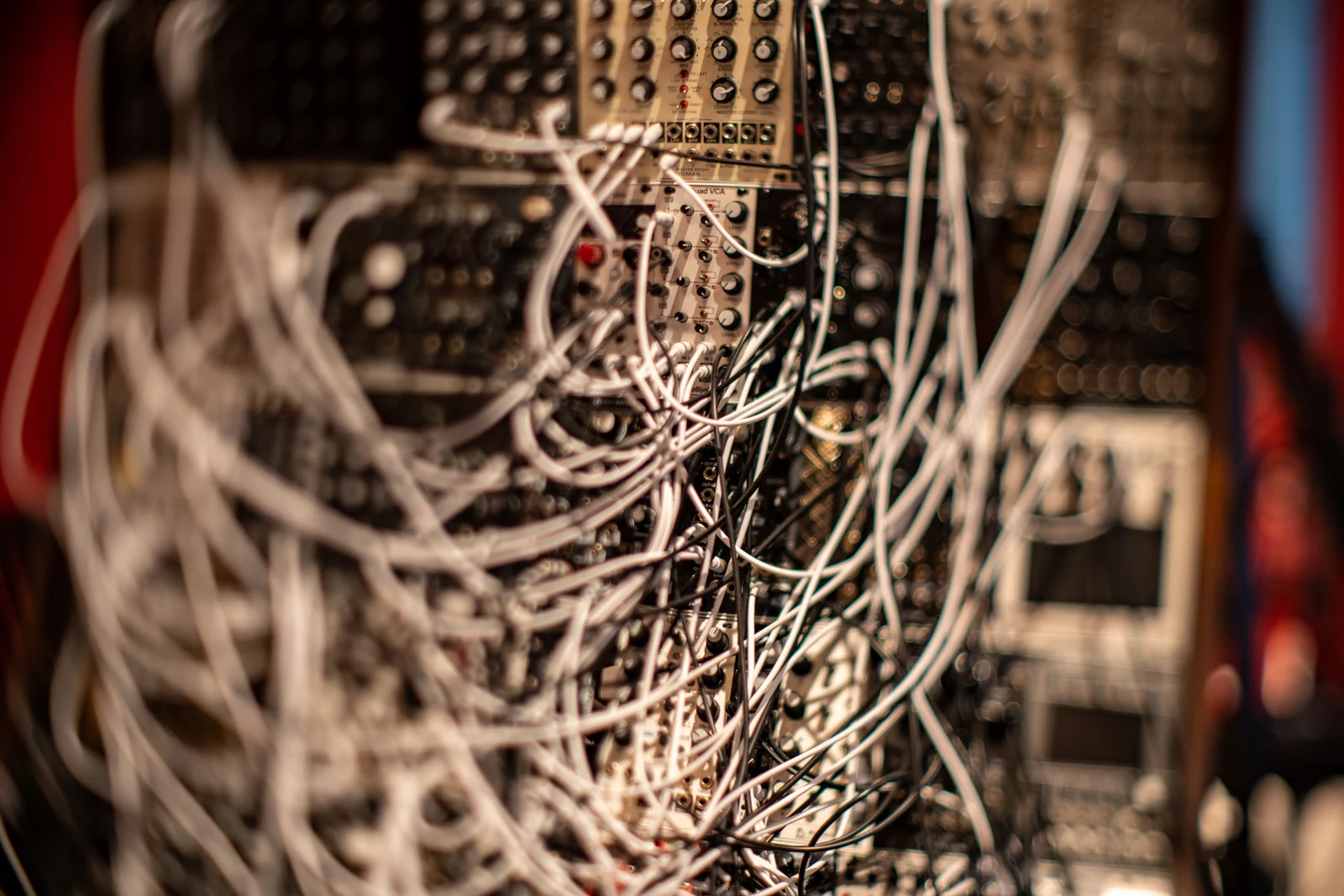
Close-up of a Eurorack modular synthesizer with patch cables and control knobs.
A modular patch makes the connections visible as well as audible. Nir Yaniv · CC BY-SA 4.0. Resized / WebP.

Web audio studies.

Search this section →
01
Firmware / Making

FM-1: change one thing in the browser

Use the open application and its web preview to investigate a musical idea before building firmware. A small, reversible change teaches more than an unexamined collection of features.

4 MIN READ / PRACTICAL STUDY

02
Web Audio / Making

A browser sequencer that keeps its time

Separate the audio clock from the moving lights. A small look-ahead scheduler is the start of a playable sequencer, and its behaviour during edits matters as much as its steady beat.

4 MIN READ / PRACTICAL STUDY

03
Web Audio / Voice

A vocal channel that tells the truth

Design a browser voice path with clear input, monitoring and recording states. The first effect to understand is the processing that may already be happening before your patch receives audio.

4 MIN READ / PRACTICAL STUDY

04
Web Audio / RNBO

RNBO: from patch to web instrument

An exported engine is the beginning of a browser instrument. Build the loading, control and recovery experience around it so another musician can understand what is ready to play.

4 MIN READ / PRACTICAL STUDY

05
Web Audio / Web MIDI

The browser is an instrument

A web instrument earns trust through a clear signal path, honest connection states and a recording you can take away. The browser is a host; the performance still needs designing.

5 MIN READ / PRACTICAL STUDY

06
Web audio / Routing

Browser routing: a send you can hear

Build a parallel effects route whose level and purpose remain clear. A dry path, a send and a return give different kinds of control, and confusing them makes an instrument harder to play.

3 MIN READ / PRACTICAL STUDY

07
Web audio / Web MIDI

MIDI learn that survives the next session

A useful MIDI-learn system remembers more than a controller number. It also makes device identity, channel, range and takeover behaviour visible to the musician.

3 MIN READ / PRACTICAL STUDY

08
Web audio / DSP

AudioWorklet: first build a transparent path

Before a custom processor becomes a distinctive effect, make it pass sound predictably. Channel handling, parameter changes and silence are part of the instrument’s design.

3 MIN READ / PRACTICAL STUDY

09
Web audio / Diagnosis

Latency: find the delay before changing everything

A slow-feeling browser instrument can have several causes. Separate event arrival, audio processing, output and display before trying to improve the whole system at once.

3 MIN READ / PRACTICAL STUDY

10
Web audio / Performance

Browser performance: rehearse the worst phrase

A browser instrument should be tested where the music is most demanding. Build a realistic stress phrase, observe the failure and simplify the work that actually causes it.

3 MIN READ / PRACTICAL STUDY
Watch the idea at work.

More films →
01 / Nick Hwang

Max MSP RNBO Tutorial: RNBO to Web to Mobile Series - Three: Export for Web!

Part three of Nick Hwang’s RNBO-to-web series focuses on exporting a patch for the browser. Use it as a worked example alongside current RNBO web-export documentation.

Try this afterwards

Export the smallest working RNBO patch you can: one oscillator and one level parameter. Make it audible from an explicit Start button before adding MIDI, presets or animation.

02 / Nick Hwang

Max MSP RNBO Tutorial: RNBO to Web to Mobile Series - Six: Javascript Functionality with RNBO

Nick Hwang continues the RNBO-to-web series with JavaScript functionality. The next step after a successful export is making a browser interface control the audio patch.

Try this afterwards

Connect one HTML control to one exported parameter and display its value. Test the minimum, middle and maximum, then reload to check that the starting value matches the sound.

03 / ADC - Audio Developer Conference

Creating Music on the Web - Ben Morss and Hongchan Choi - ADC21

Ben Morss and Hongchan Choi discuss creating music on the web. The speaker’s project page places the talk around WebAssembly, AudioWorklet and browser audio processing.

Try this afterwards

Draw your instrument as two columns: interface work and audio-thread work. Move animation, file handling and text updates out of the audio column; identify one parameter that needs sample-timed control.

From your workbench

What did you make of it?

Share a changed device, a patch, a performance or a useful failure. Add your own photograph or a video link and explain what made the difference. Contributions are reviewed before publication.

Add your exploration ↗
PASS IT ONEmailWhatsAppBluesky